Pink accent examples
6 real web pages that use pink accent, each captured on desktop and mobile and measured on the live page, with a note on what to learn from it.
Across these 6 pages, the median headline is 56px, body text is 16px and the main button is 36px tall; 40% of buttons are pills. 0% are dark. Most set in inter (1), Unica77 (1), n8n Baumer Uniwidth (1) and Geist (1).
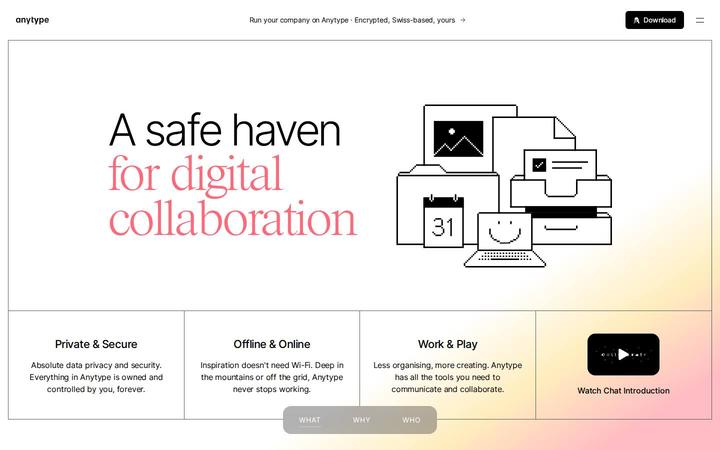
The hero is a bordered box: pink headline on the left, a line drawing of desktop objects (calendar, files, a smiling screen) on the right, then four bordered cells (private, offline, work and play, a video). Everything sits on one visible grid.
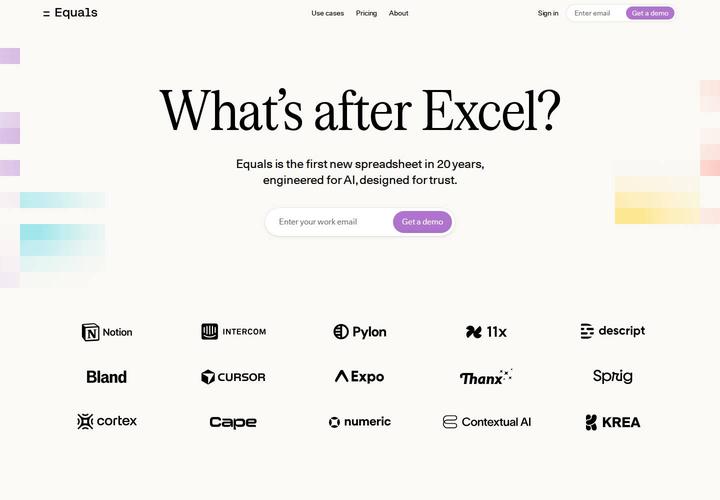
'What's after Excel?' in a large serif with scattered pastel pixel blocks at the edges (spreadsheet cells breaking loose), a pink button, and the real spreadsheet with an AI chat below.
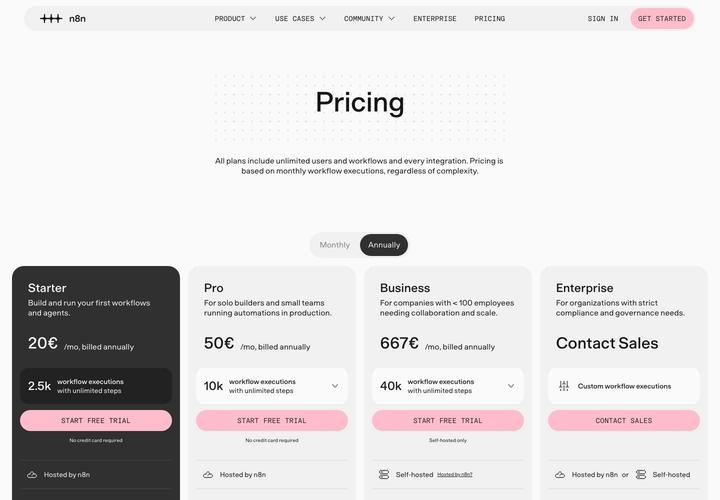
Four cards with an executions selector in each and pink buttons; the starter card is dark for contrast.
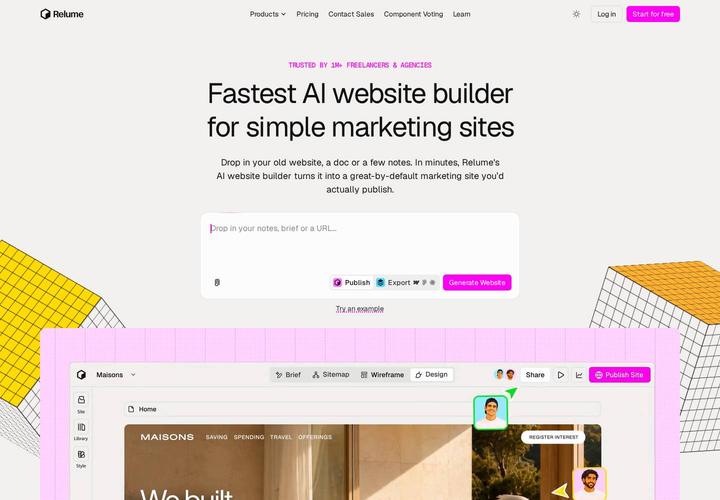
A prompt box hero, then the product window framed by bright pink with yellow 3D wireframe grids peeking from behind: playful geometry instead of a gradient, and the window shows a real generated site (a pelican photo) rather than placeholders.
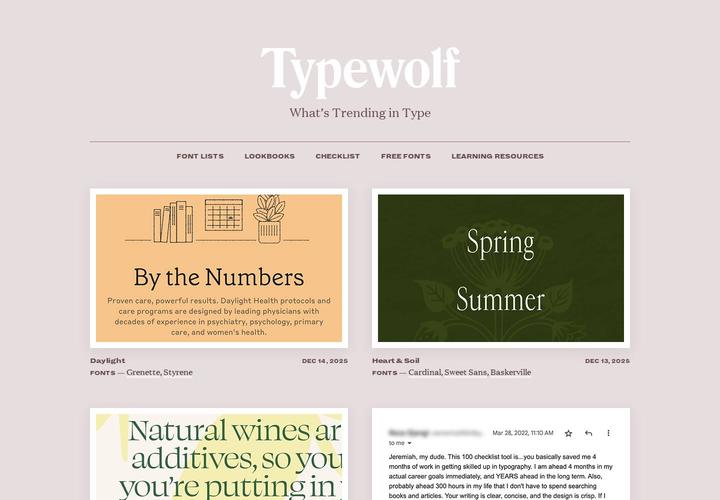
Soft pink ground, a serif masthead, cards that each show a real site's type in use with the font names below. A reference site works when every card is the evidence and the caption is the data.
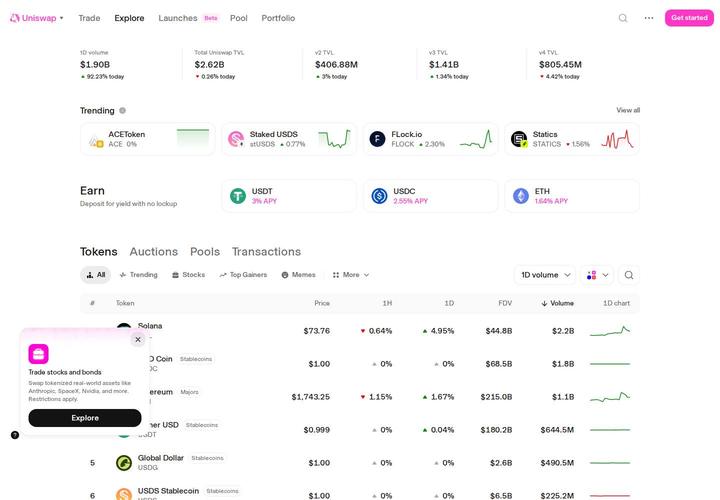
A row of plain stats, trending tokens as small cards with a sparkline, then a token table with price, deltas in green or red and a 1-day sparkline per row. Pink is kept for the brand and the one call to action.
Let your coding agent use these
ui taste is a skill for Claude Code, Codex, Cursor and any agent that reads SKILL.md: it searches these pages, opens the screenshot and the measured values before it builds, then reviews what it rendered.
Install it →