Painting examples
6 real web pages that use painting, each captured on desktop and mobile and measured on the live page, with a note on what to learn from it.
Across these 6 pages, the median headline is 88px, body text is 16px and the main button is 36px tall; 40% of buttons are pills. 17% are dark. Most set in Inter (2), Unica77 Cohere Web (1), HarveySansFont (1) and Suisse Intl (1).
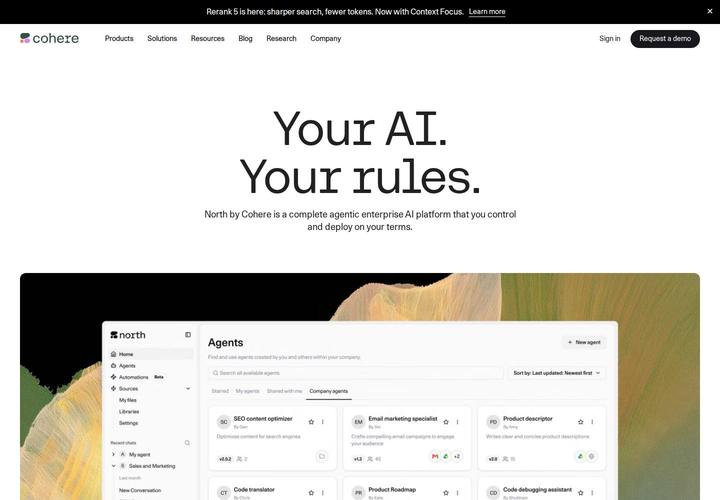
"Your AI. Your rules." in two short sentences. The product window sits on a painted landscape, then a full-bleed photo of a person outdoors: enterprise AI shown with human warmth instead of circuits.
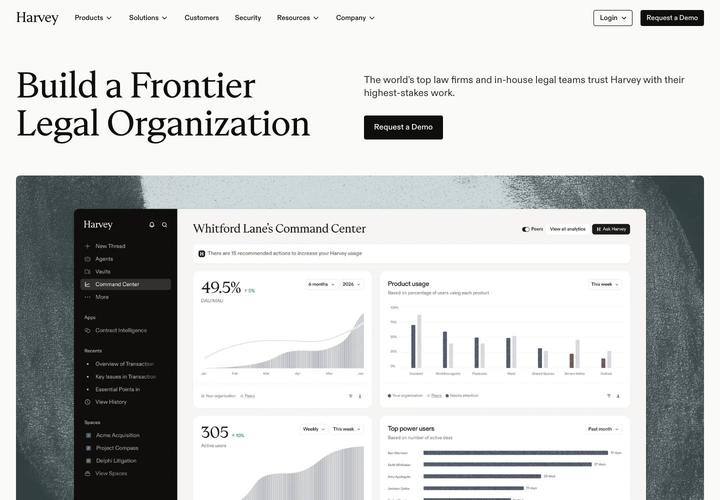
Serif headline on warm off-white with a short line and one dark button on the right, then a dense analytics product view. Authority through restraint, fitting for legal.
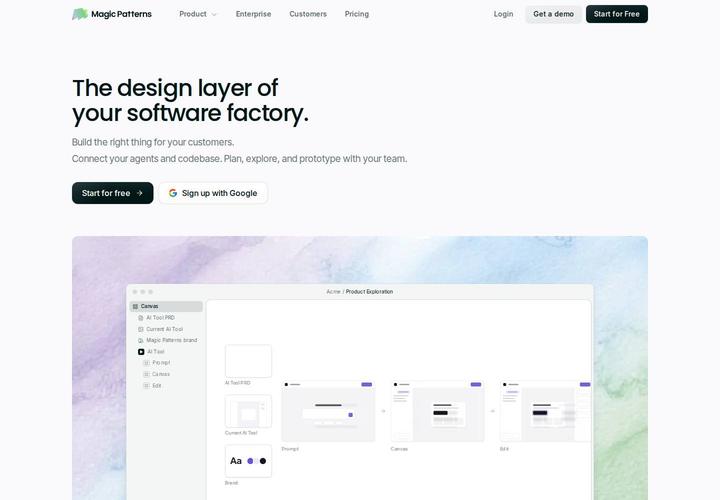
The product window floats on a watercolour/marbled painting; everything else is grey and white. The painted backdrop gives warmth to a design tool without illustrations or gradients.
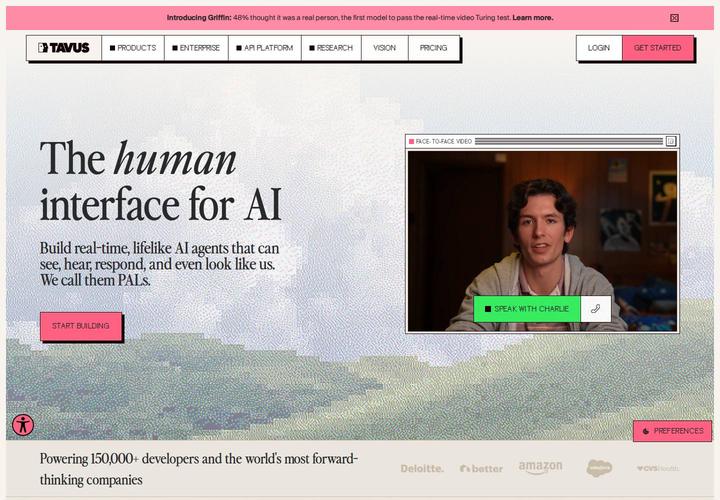
A pixel-dithered sky with a live video call UI, then Michelangelo's two hands reaching across a pink cloud ('Imagine a future with machines that get you'). Bold classical reference for a human-like AI.
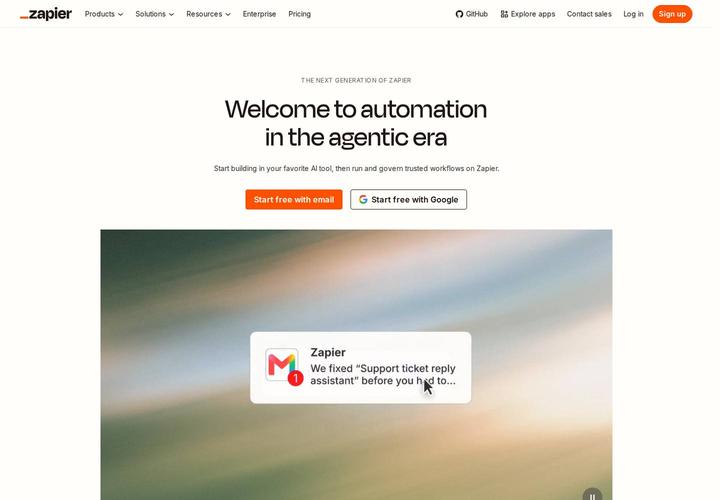
A blurred, painted sky with a single notification card on it ('We fixed Support ticket reply assistant'): automation shown as one calm result, not a diagram of 30 app icons. Orange only on the button.
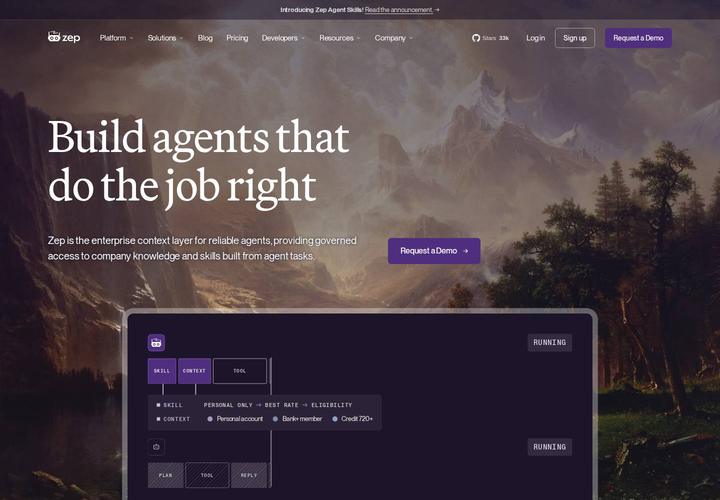
A romantic landscape painting (forest, mountains, golden light) fills the hero with a serif headline over it, and the product window sits in the painting. Agent infrastructure framed by classical art.
Let your coding agent use these
ui taste is a skill for Claude Code, Codex, Cursor and any agent that reads SKILL.md: it searches these pages, opens the screenshot and the measured values before it builds, then reviews what it rendered.
Install it →